
Scan Instantly
Scan paper into PDFs you can search.
Point your camera at a page. When the page holds still, Scan Instantly takes the picture, cleans it up and reads the text. You don't need an account, and nothing leaves your device unless you send it.
Coming soon to the App StoreFor iPhone and iPad
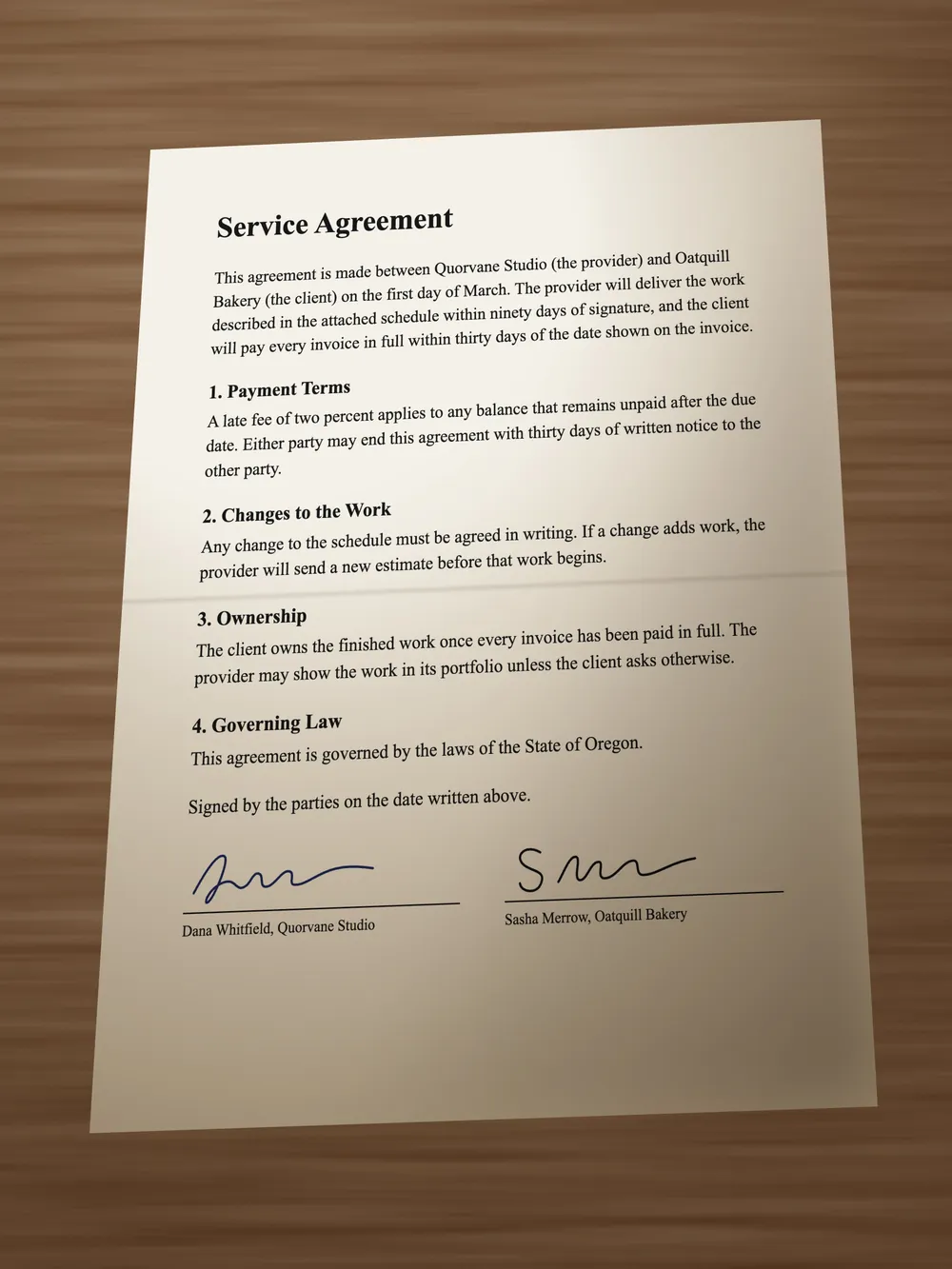
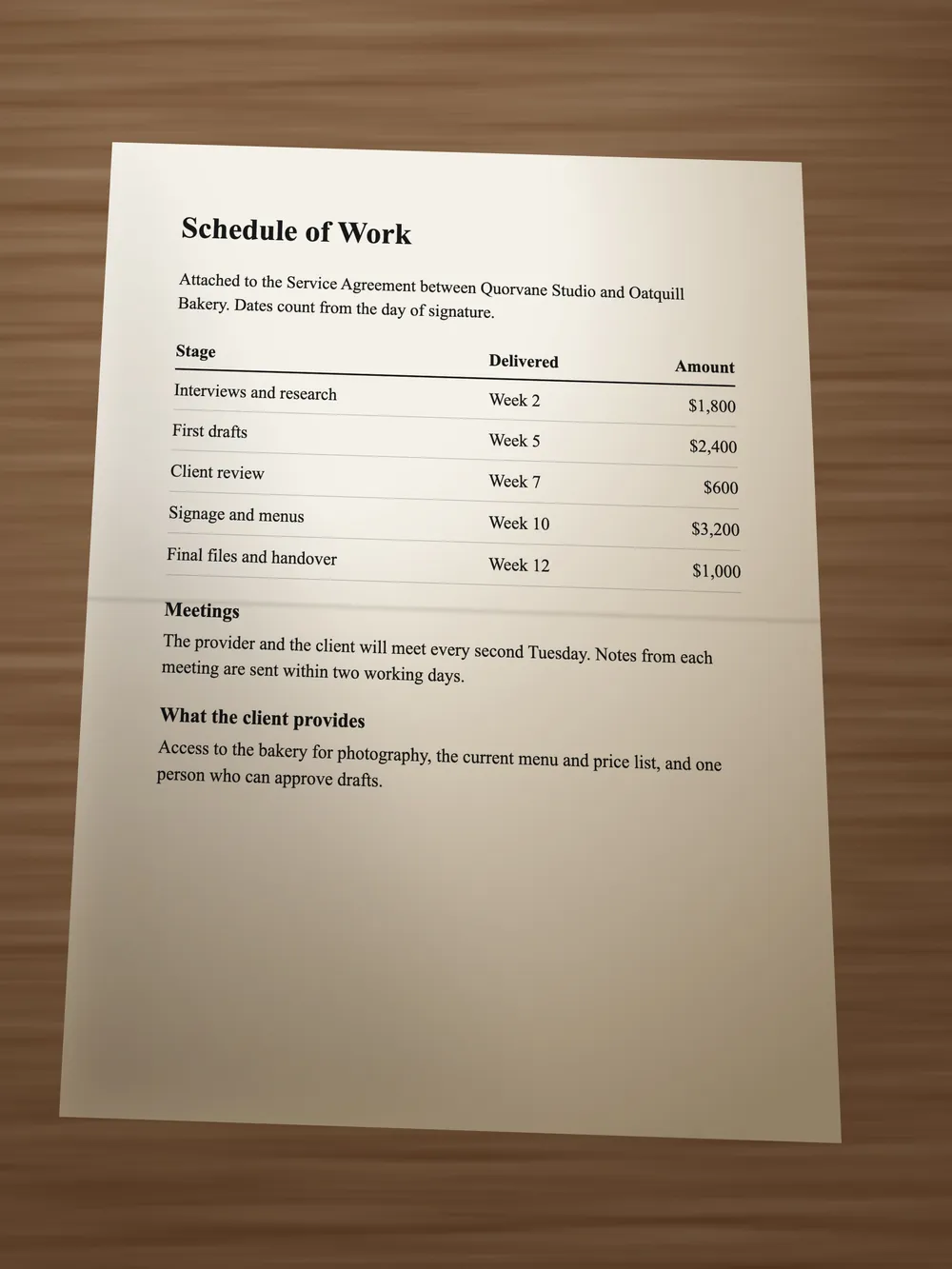
Looking for a pagePut a page on a surface that contrasts with the paper.
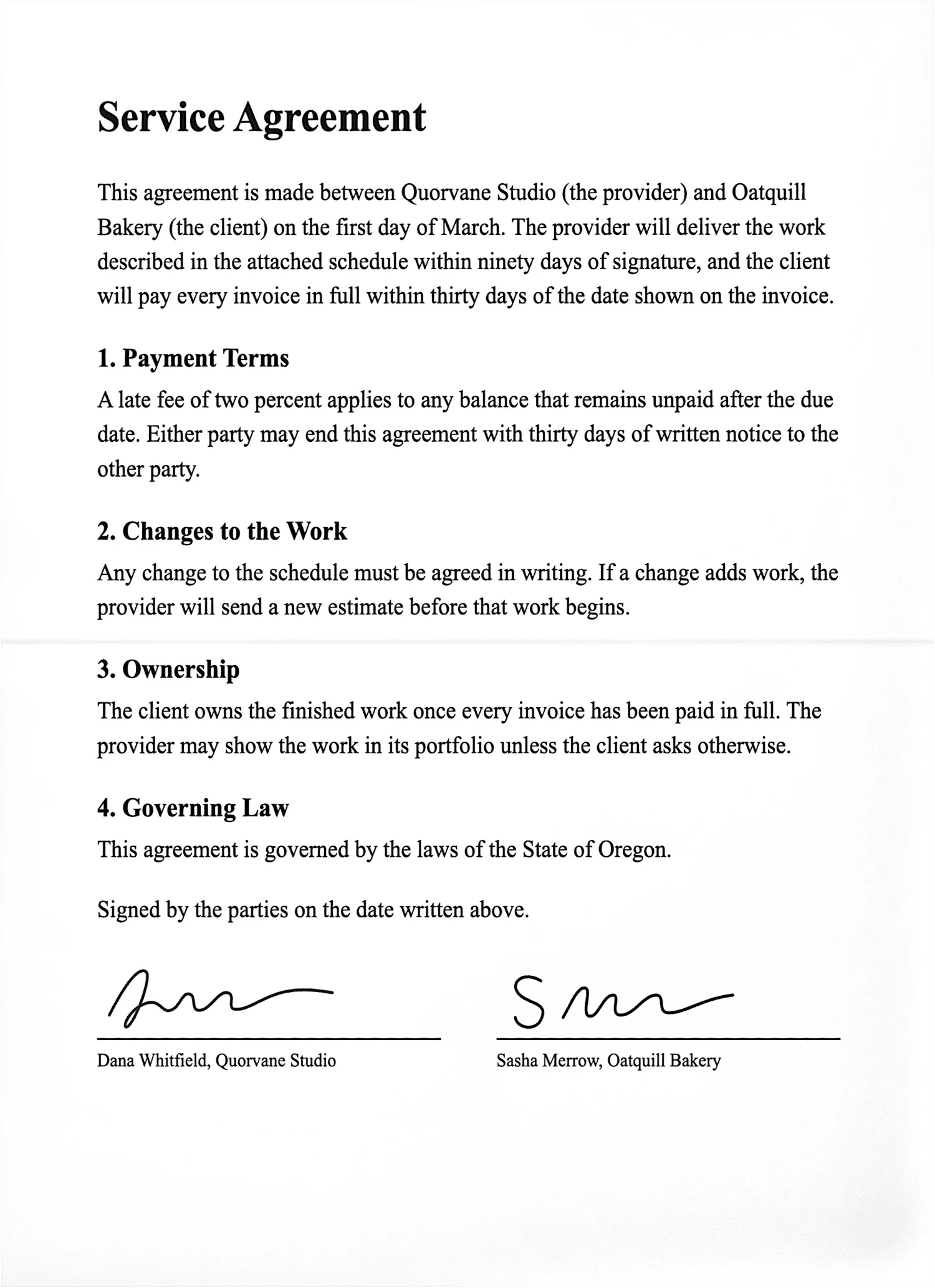
Search the words on a scanned page.
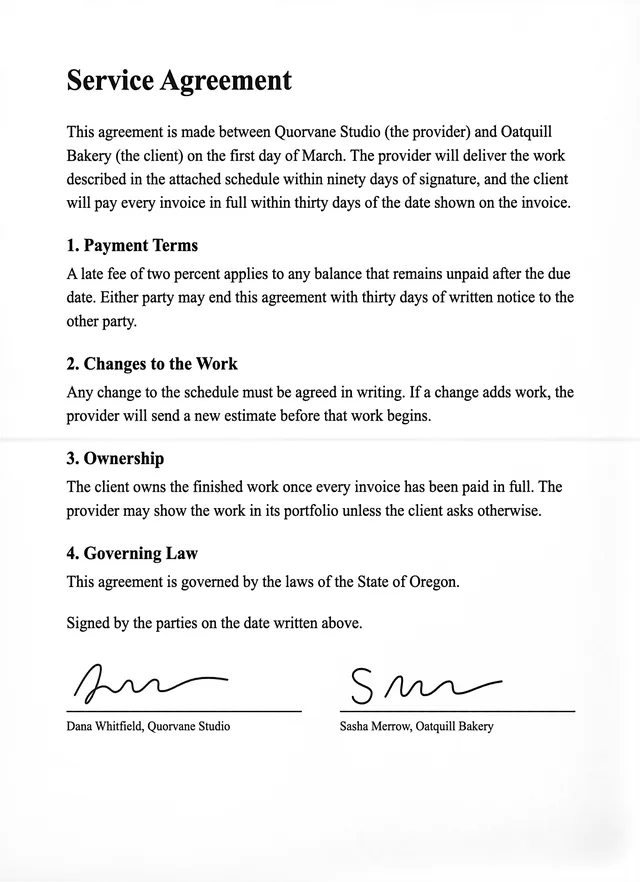
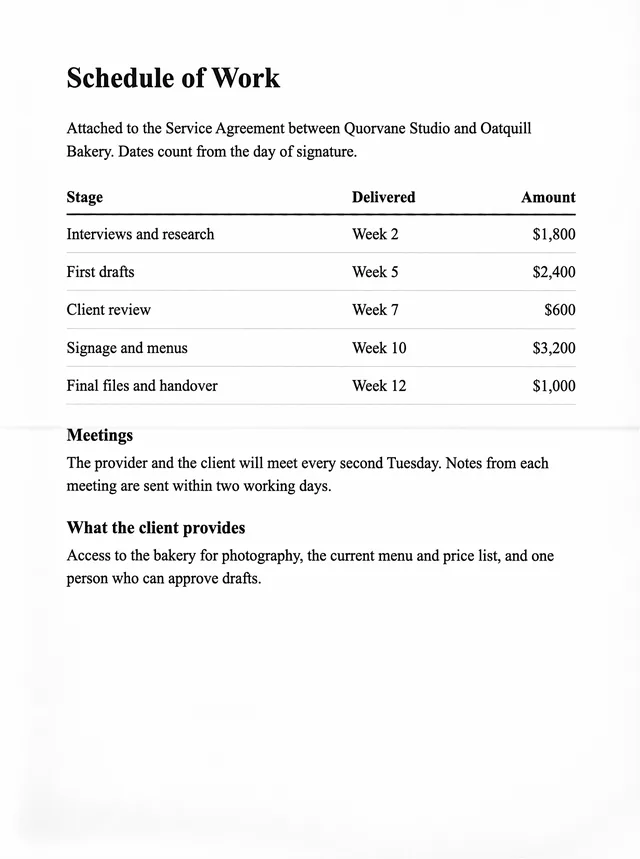
Scan Instantly reads every page on your device and saves the words it can read reliably inside the PDF, so you can search them, select them and copy them. The page here went through the same steps the app uses. Type a word, or select the text with your cursor.
Type to search this page.
 Cleaned up
 Original
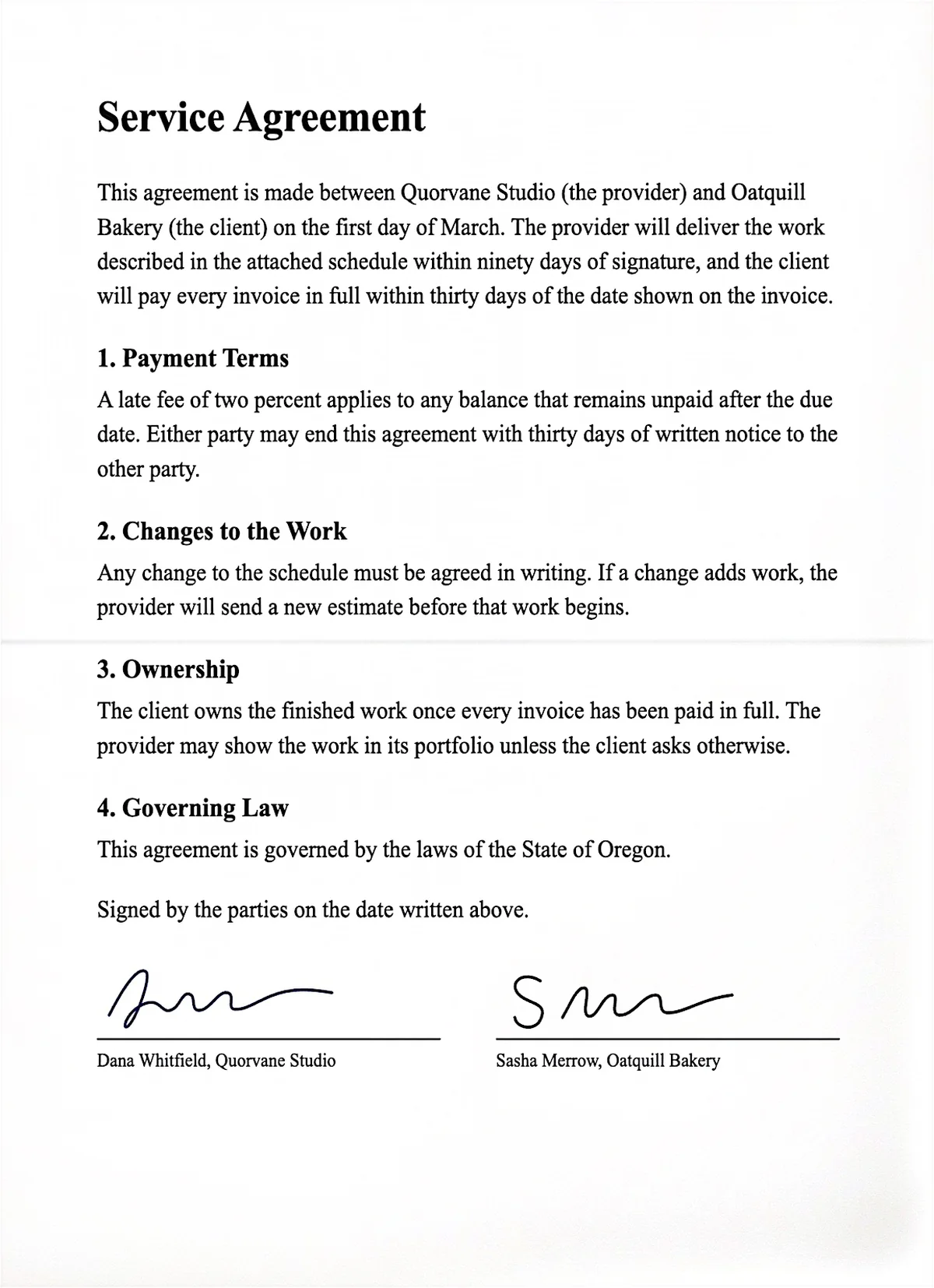
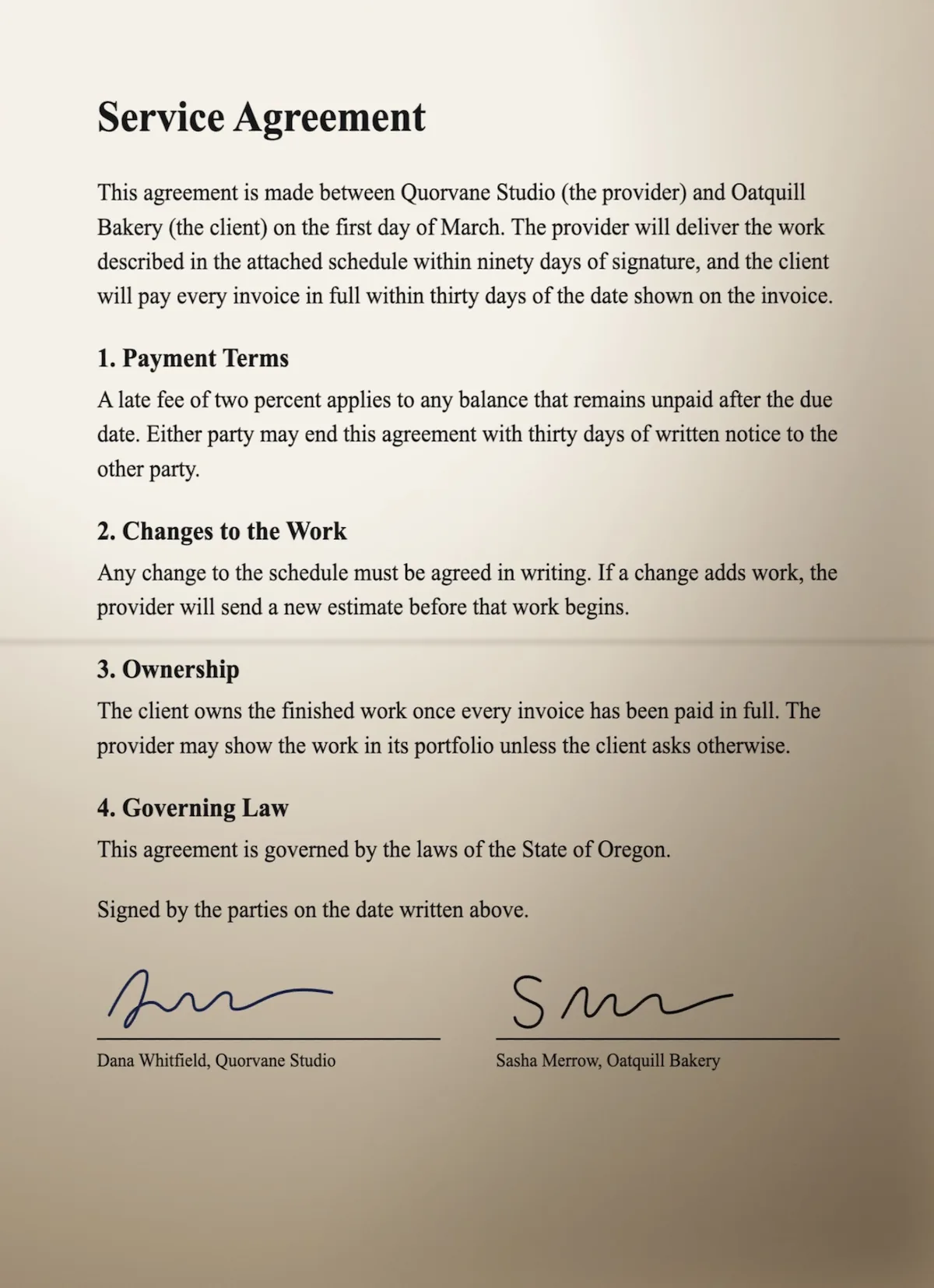
It straightens the page and cleans it up.
Scan Instantly finds the four corners and flattens the page, then removes the shadows, whitens the paper and sharpens the text. Drag across the page to compare.
- Upright
- Pages are turned the right way up by themselves.
- Crop
- Drag the corners to the edges of the page if you want them somewhere else.
- Original
- One tap puts the photo's own colors back, with the crop kept.
Choose the pages, then send them.
A scan is every page you captured until you save, share or print it. Tap a page here to leave it out, and drag the lines to change the order.
Every scan becomes one PDF. Words that can be read reliably are searchable.
- Share
- Save to Camera Roll
- Save to Files
Choose Pages
Includes all 4 pages
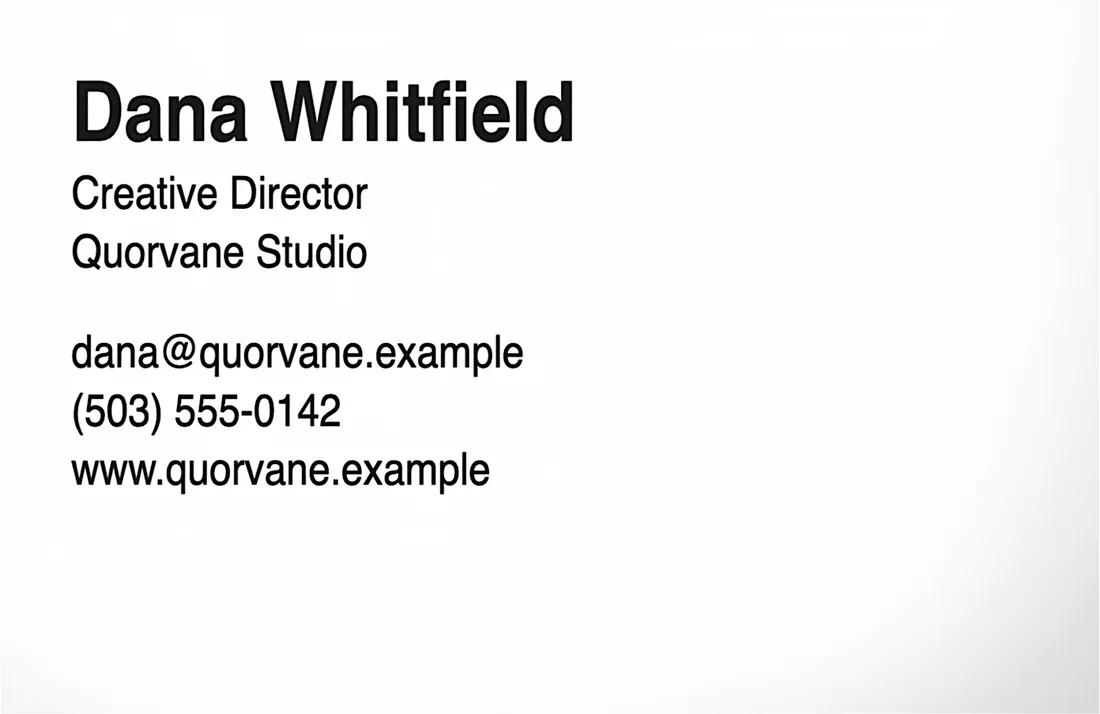
Business cards turn into contacts.
Scan a card and Scan Instantly reads the name, job, company, email, phone and website, all on your device. Check the details against the card, then save the contact with one tap. Turn on Add Cards to Contacts and a card is added by itself when its details read the same every time.
Your scans stay on your device.
Read the Privacy Notice- What stays
- Your photos of documents, the finished pages and the text read from them. They are not uploaded anywhere and are left out of device backups. Text recognition happens on your device.
- What leaves
- Nothing, unless you send it. A scan only leaves when you choose to share, print or save it, and it then goes where you sent it.
- What we collect
- Nothing. Scan Instantly has no accounts, no analytics and no advertising.
Finished scans stay in Recents on this device for 30 days, and are deleted the next time you open Scan Instantly after that.
Questions
- Do I need an account?
- No. There is nothing to sign up for. Open the app and point it at a page.
- Does it work without internet?
- Yes. Capture, cleanup and text recognition all run on your device.
- Is there a subscription?
- No. There are no subscriptions and no in-app purchases.
- What can I scan?
- Documents, receipts, business cards, whiteboards and photos. Scan Instantly works out which one it is looking at and cleans it up to suit.
- Can I take the picture myself?
- Yes. The capture button on the camera screen switches between automatic and a shutter you tap.
- What does it run on?
- iPhone and iPad with iOS 26 or later.
- How long are scans kept?
- 30 days after you finish them, unless you change it. You can pick 7, 30 or 90 days, or keep them until you delete them.
- Can the text be wrong?
- Sometimes. Searchable text only includes words that read the same each time, but it can still be wrong, so check anything important against the picture of the page.